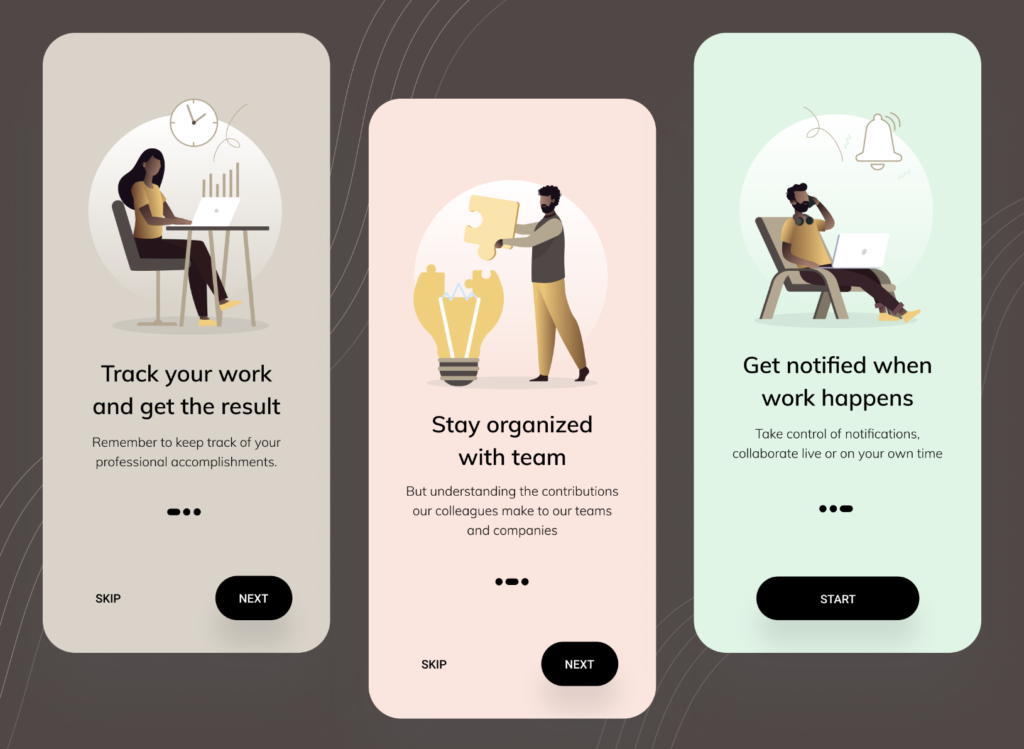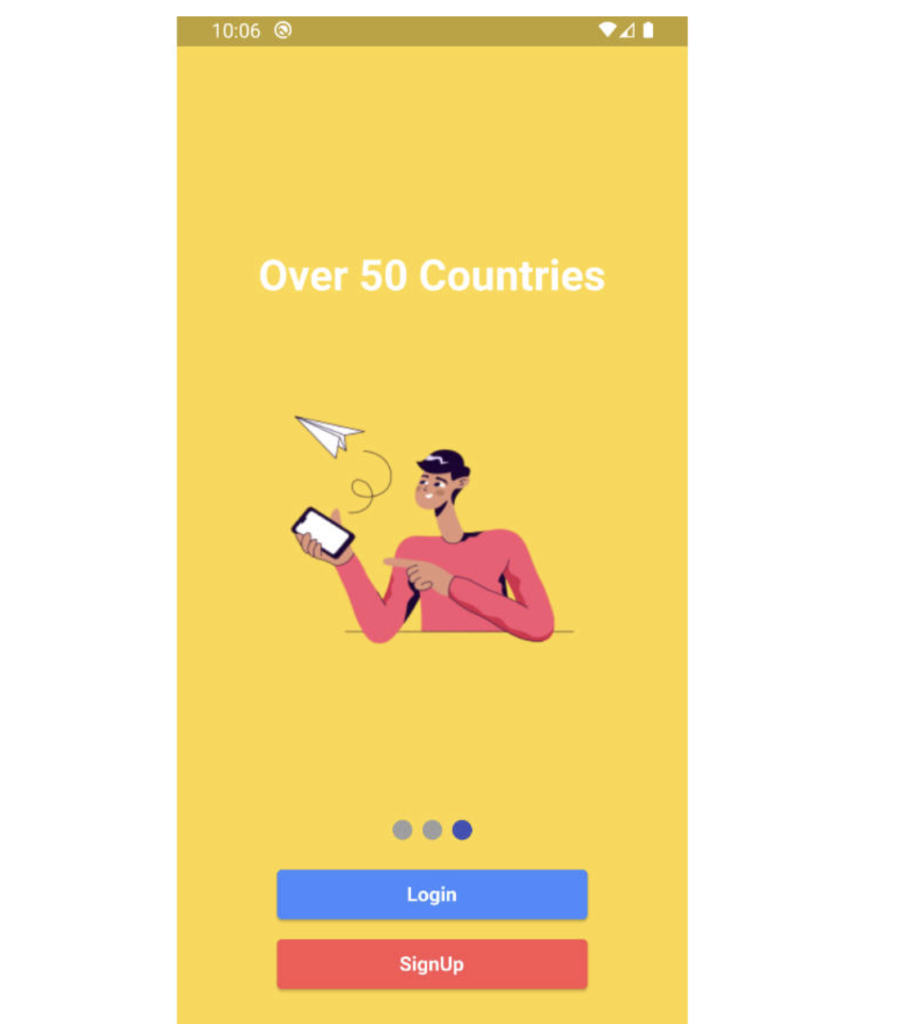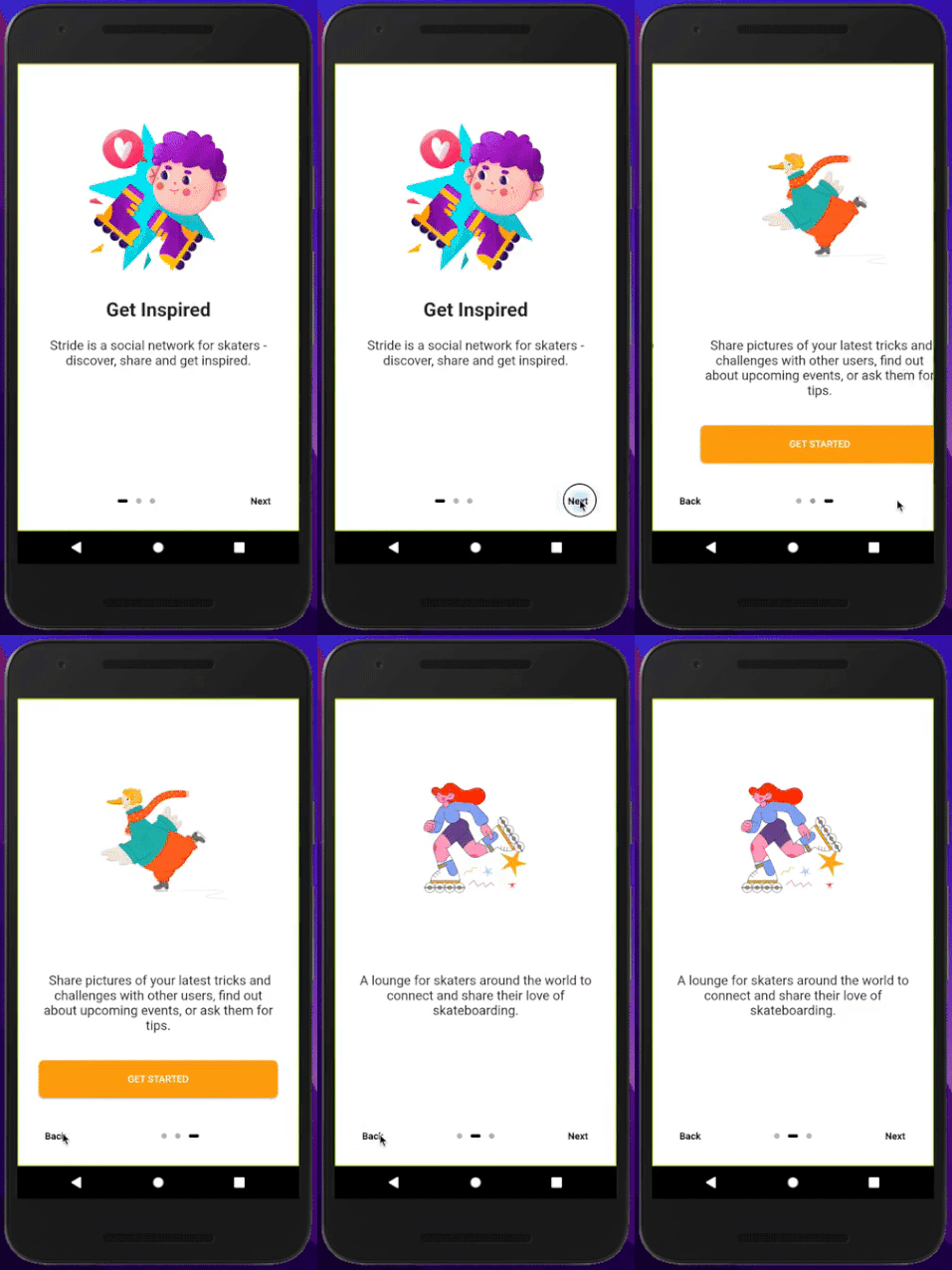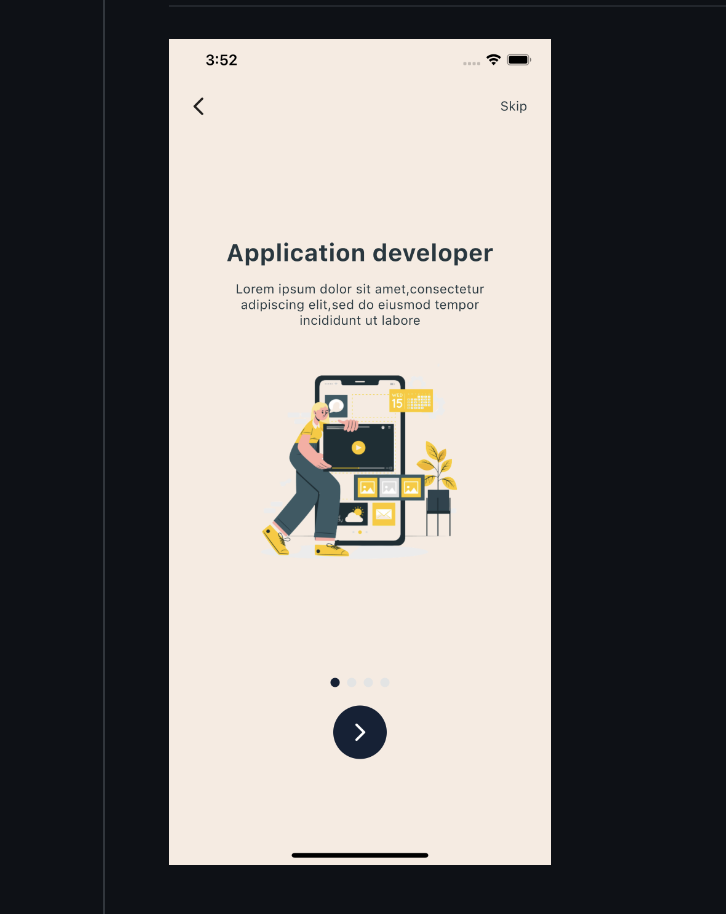
Responsive Flutter Onboarding Screen UI with Source Code: A clean, responsive Flutter onboarding screen UI that can be used across different types of mobile applications. Whether you are building a health app, finance app, e-commerce platform, or any other mobile product, this onboarding UI is flexible enough to fit any design style.
In this post, we walk you through the complete Flutter onboarding screen implementation with full source code available on GitHub — free to use and easy to customize.
What is an Onboarding Screen in Flutter?
An onboarding screen is the first experience a user has when they open your app. It introduces key features, guides new users through the app's purpose, and sets the tone for the overall user experience.
A well-designed onboarding screen can significantly improve user retention and reduce drop-off rates. Flutter makes it easy to build beautiful, responsive onboarding screens that work seamlessly on both Android and iOS.

Technical Details
Before diving in, here are the technical specifications for this Flutter onboarding UI:
Flutter Version Compatibility: 3.13.0
Null Safety: Yes
Dart 3 Compatible: Yes
Packages Used
This onboarding screen uses lightweight, well-maintained Flutter packages to keep the app clean and dependency-free from unnecessary libraries. All packages are compatible with Flutter 3.13.0 and Dart 3.
Resources Used
The UI is built using Flutter's built-in widget system with custom assets for illustrations and icons. All resources are optimized for fast rendering on both low-end and high-end Android and iOS devices.
Key Features of This Flutter Onboarding UI
1. Fully Responsive Design
The onboarding screen adapts perfectly to different screen sizes and orientations — from compact Android phones to larger iOS devices — without any layout breaking.
2. Null Safety Support
Built with full null safety enabled, making the codebase modern, safe, and compatible with the latest Flutter and Dart versions.
3. Dart 3 Compatible
Fully compatible with Dart 3, ensuring you can use this UI in any new or existing Flutter project without compatibility issues.
4. Clean and Minimal UI
The design follows modern mobile UI principles — clean typography, smooth page transitions, and clear call-to-action buttons that guide users naturally through the onboarding flow.
5. Easy to Customize
Every color, text, illustration, and animation can be easily customized to match your brand identity without touching the core structure of the code.
6. Reusable Across App Types
Whether you are building a fitness app, a food delivery platform, a productivity tool, or a social app, this onboarding UI works seamlessly across all app categories.
How to Use This Flutter Onboarding Screen
Step 1: Clone or download the source code from GitHub.
Step 2: Open the project in Android Studio or VS Code with Flutter installed.
Step 3: Run flutter pub get to install all required packages.
Step 4: Replace the placeholder text, illustrations, and colors with your own brand assets.
Step 5: Run the app using flutter run and test it on both Android and iOS.
Get the Full Source Code
You can check out and download the entire source code of this Flutter onboarding screen project on GitHub:
The repository includes the complete project structure, all assets, and clear code comments to help you understand and customize every part of the UI.
Why Use Flutter for Onboarding Screens?
Flutter is the ideal framework for building onboarding screens because of its rich widget library, smooth animations, and cross-platform support. With Flutter, you write one codebase and get a pixel-perfect onboarding experience on both Android and iOS — saving time, cost, and development effort.
If you need help building a custom onboarding screen or any other Flutter UI, you can hire a Flutter developer to get professional assistance for your project.
Conclusion
This was a quick walkthrough of a responsive Flutter onboarding screen UI with full source code. It is clean, modern, fully responsive, and compatible with the latest Flutter and Dart versions — ready to plug into any mobile app project.
If you need any assistance with Flutter app development, feel free to reach out or hire Flutter developers to outsource your project to experienced professionals.
Do like and share if you found this post helpful.
Happy coding!
Related Articles
- Android Developer vs Flutter Developer: Which Should You Choose in 2026?
- Flutter Developer vs Swift Developer: Which is Best for Your App?
- Flutter Developer vs React Native Developer: Full Comparison 2026
- How to Setup GitHub on Your MacBook and Upload Your First Project
- Top 10 Companies Using Flutter in Production Apps 2026
- How to Build a Flutter App for the US Market — Complete Guide
- Flutter App Development in China — What Developers Need to Know
- Flutter PageView Widget — Build a Skippable Onboarding Screen