
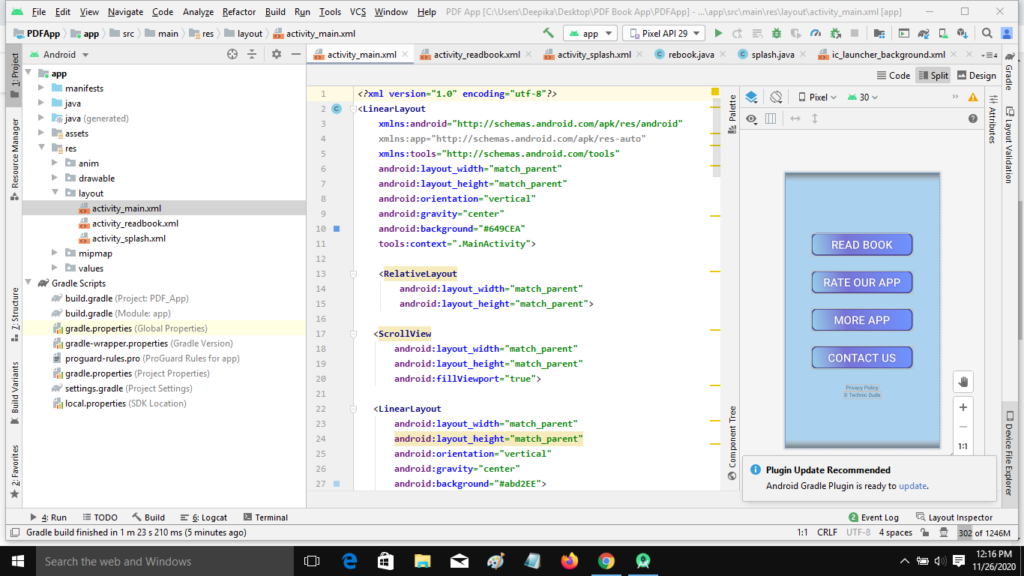
Display PDF in android studio . PDF Viewer application in android studio with source code , Viewer Application - How to design android app in android studio with source code , in this have upload your own file than open it on app easily .
Requirements
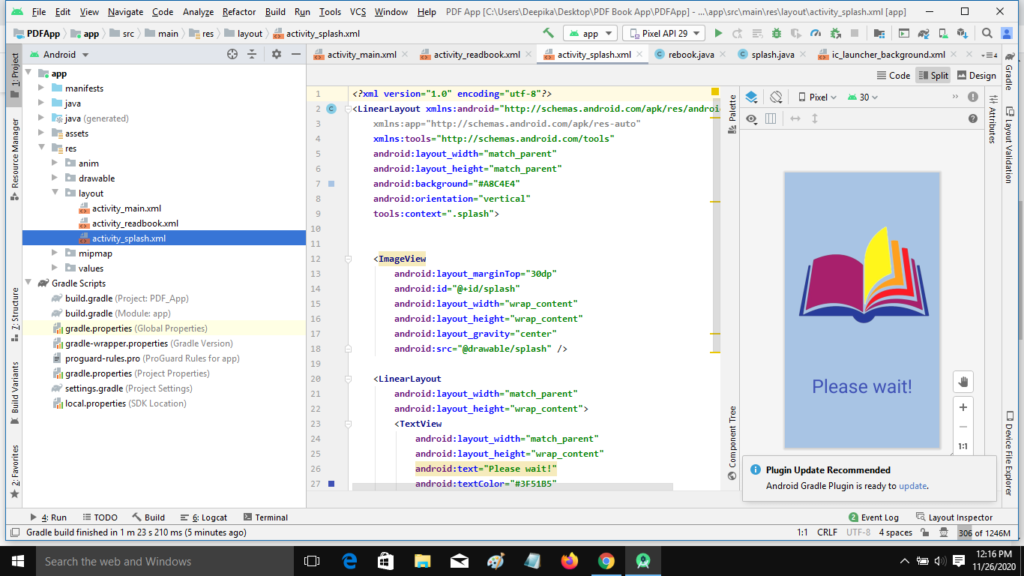
- Android Studio [Recommended Version 3.5+
- versionCode 1
- Photoshop to design your own app icon and screenshot for play store listing.
- AdMob Account to create app on AdMob and display ads in app.
- Play Store Account to publish app.
- Steps To Setup Project
- Download the project file and unzip it.
- Open Source code project file on Android Studio
Download Source Code
PDF Viewer in android app with AdMob Ads android App -Click below to download full source code.
PDF Viewer in android app APK - CLICK ME
GET FULL SOURCE CODE DOWNLOAD HERE

Conclusion
We have successfully created Display PDF in android studio application using Android Studio.
YOUTUBE VIDEO
Run Project
- Open Documentation files and follow the steps to reskin app and other apps settings.
READ MORE ANDROID APPS
Wallpaper Android App- CLICK HERE
All IN ONE Status Saver App - CLICK HERE
Photo Video Maker Android App - CLICK HERE
Video Downloader Android App - CLICK HERE
College Student Portal System App - CLICK HERE
Call Recorder Android App - CLICK HERE
PDF App with firebase - CLICK HERE
BarChart Graph App - CLICK HERE
PDF Reader App with firebase - CLICK HERE
ShareIt Clone App - CLICK HERE
Material Design SignUp Form - CLICK HERE
Ludo Game Android App - CLICK HERE
Text on Photo Android App - CLICK HERE
Fast Pro VPN APP - CLICK HERE
3D Text Maker APP- CLICK HERE
MX Video Player APP- CLICK HERE
Tic Tac Toe Game App - CLICK HERE
ShareTweetShare