 FLUTTER
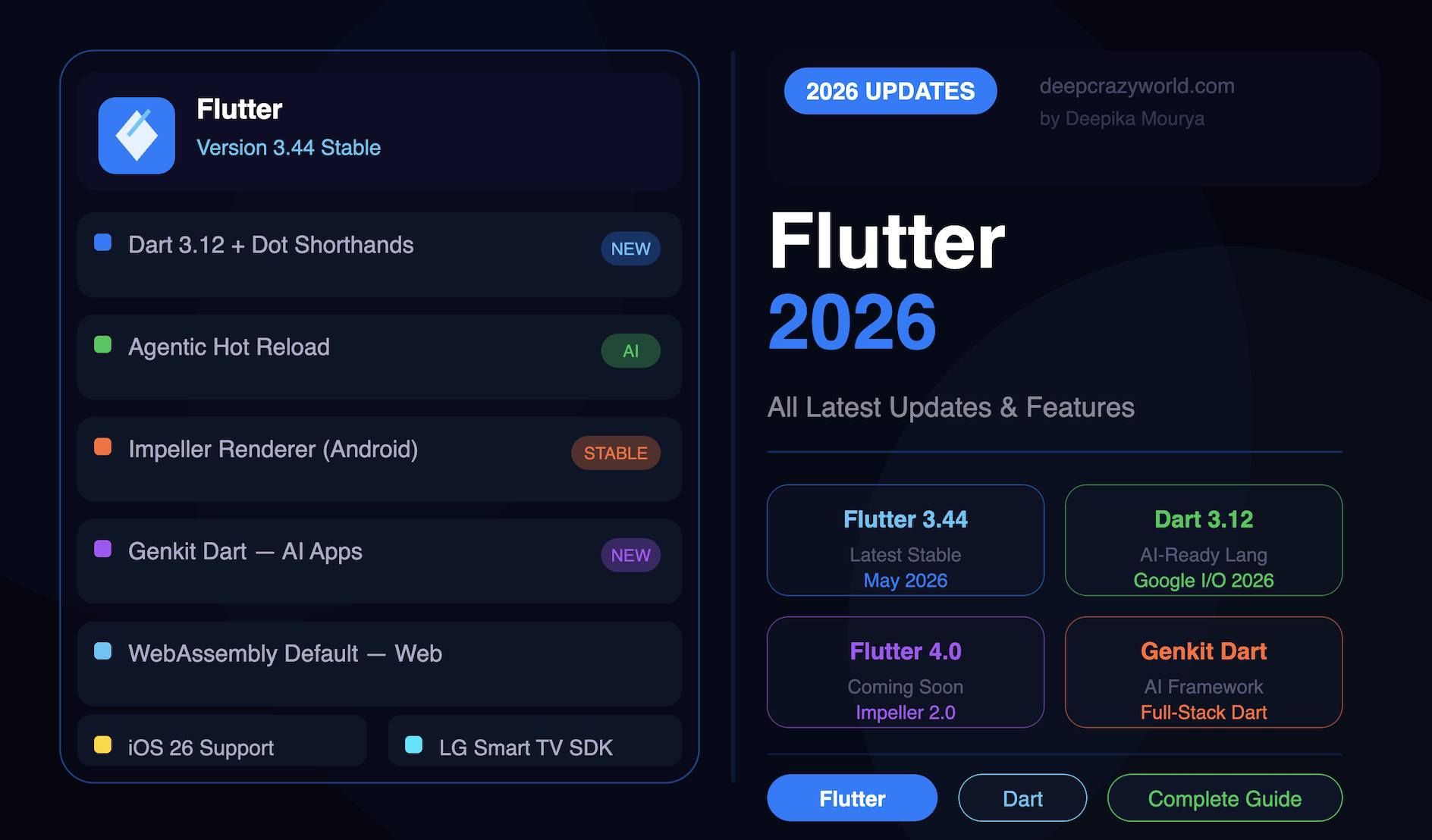
Flutter 2026 — All Latest Updates, Features & What's New
Discover all Flutter 2026 updates including Flutter 3.44, Dart 3.12, Agentic Hot Reload, Impeller, WebAssembly, Genkit Dart and more. Complete developer guide.
Download instantly. No fluff, pure value.
 70% OFF 🔥 Bestseller
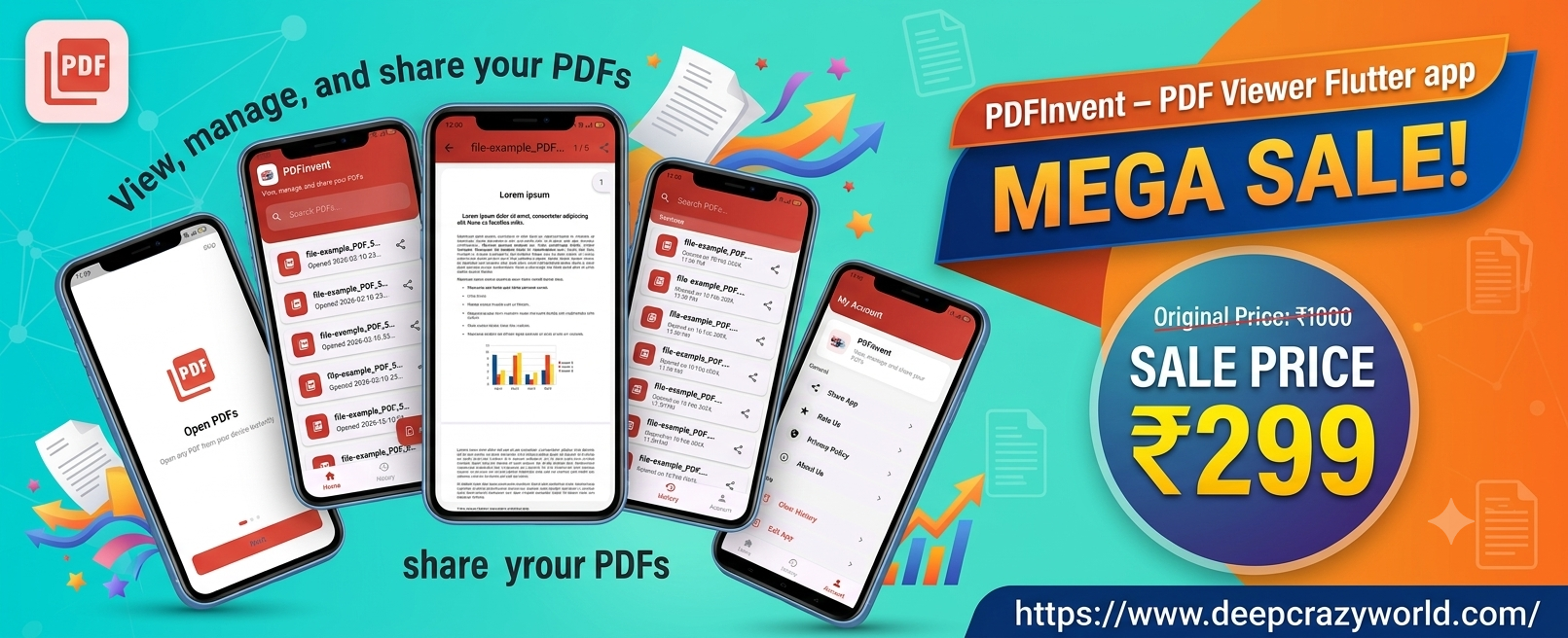
Buy PDFInvent Flutter PDF viewer app source code — live on Play Store, available for just ₹299 for a limited time. Full customization available on WhatsApp.
 72% OFF 🔥 Bestseller
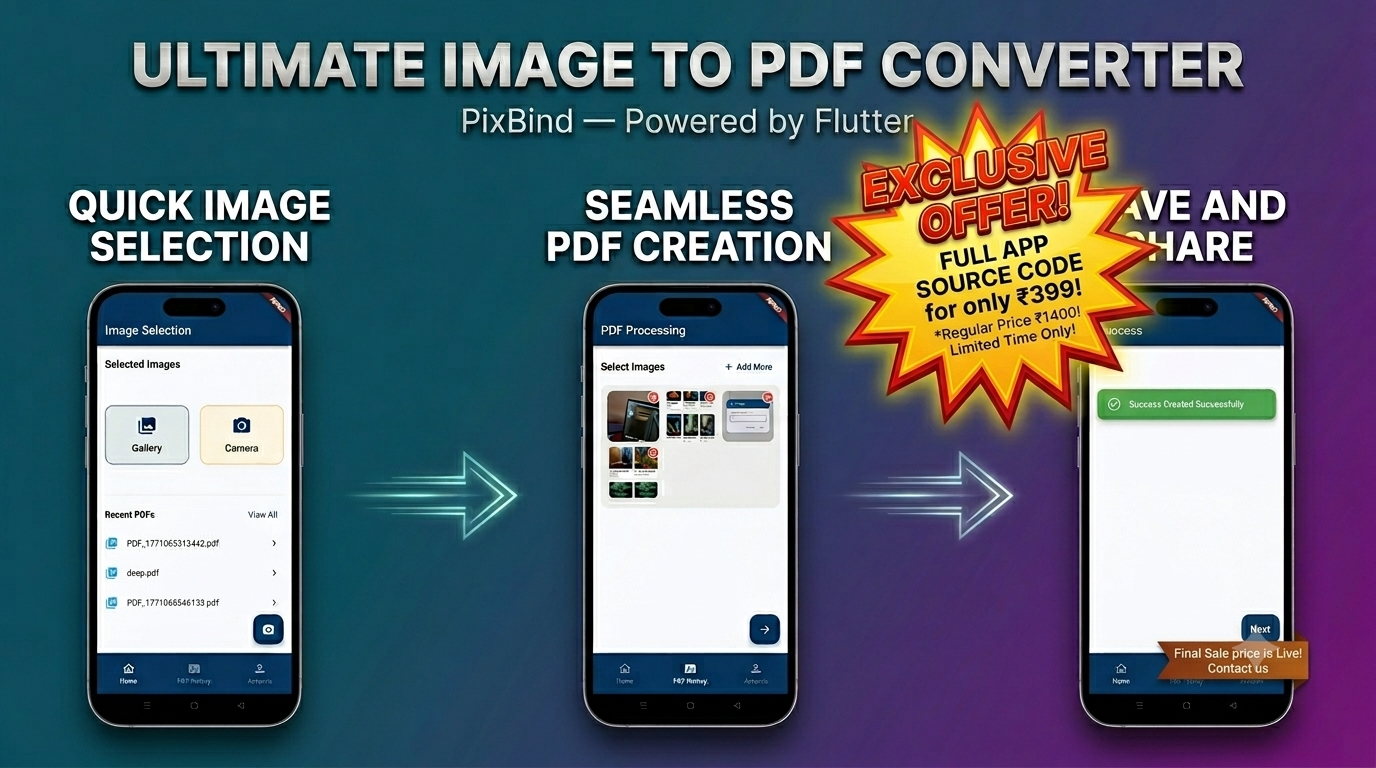
PixBind is a live, Play Store-approved Flutter Image to PDF converter app with a clean, production-ready source code available for sale. Convert JPG, PNG, and JPEG images into professional PDFs — fully offline, privacy-first, and lightweight. Get it fully rebranded with your own logo, colors, and app name. Contact us on WhatsApp for pricing and demo.
 67% OFF
QRInvent is a lightning-fast, secure, and intuitive QR and Barcode scanner optimized for your everyday needs. Get high-accuracy results instantly on your Android device.
No clickbait. Practical posts on digital life, growth & money.
FLUTTER
Discover all Flutter 2026 updates including Flutter 3.44, Dart 3.12, Agentic Hot Reload, Impeller, WebAssembly, Genkit Dart and more. Complete developer guide.
 FLUTTER UI
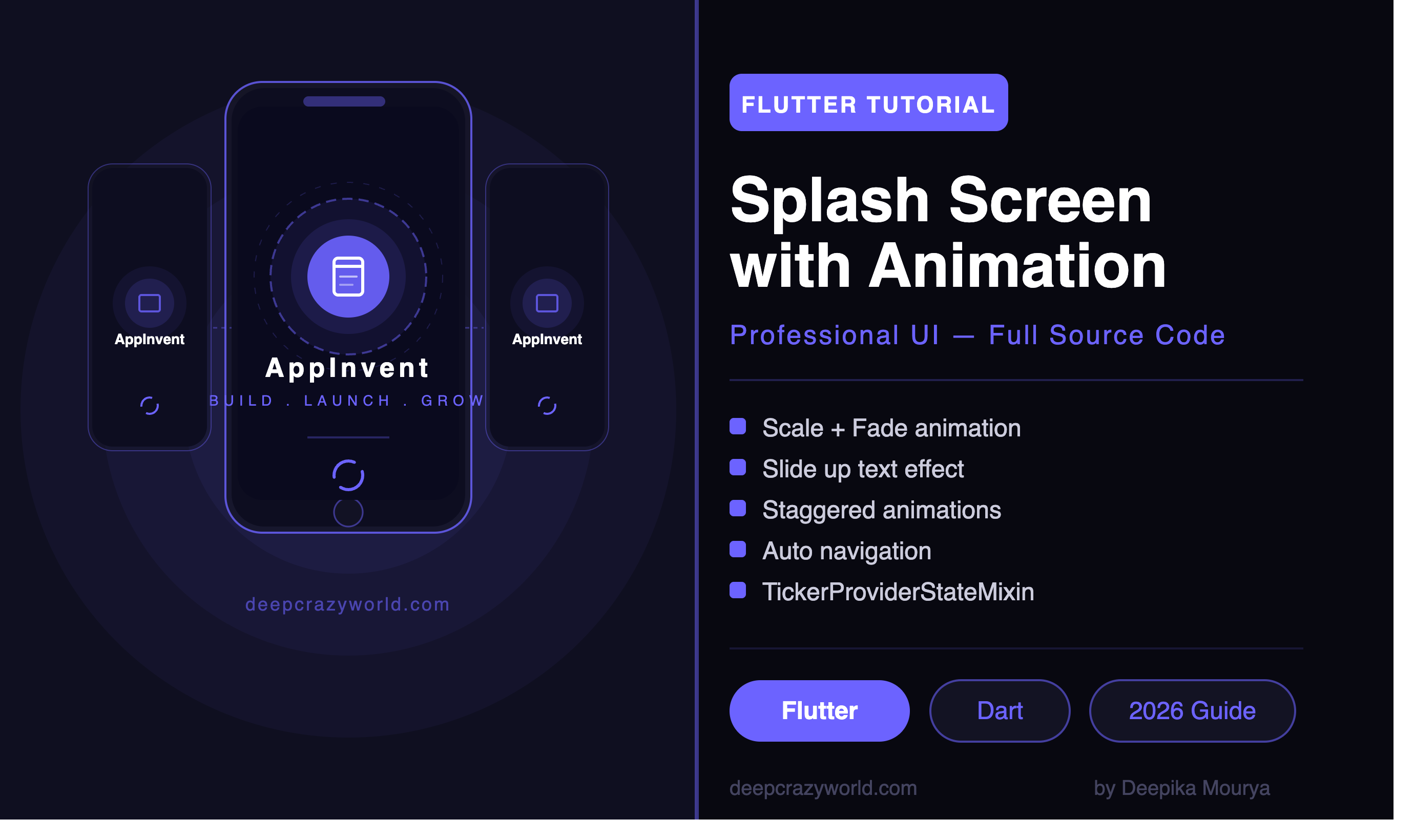
Build a professional Flutter splash screen with animation. Complete step-by-step guide with full source code, fade, scale, and slide effects.
 FLUTTER UI
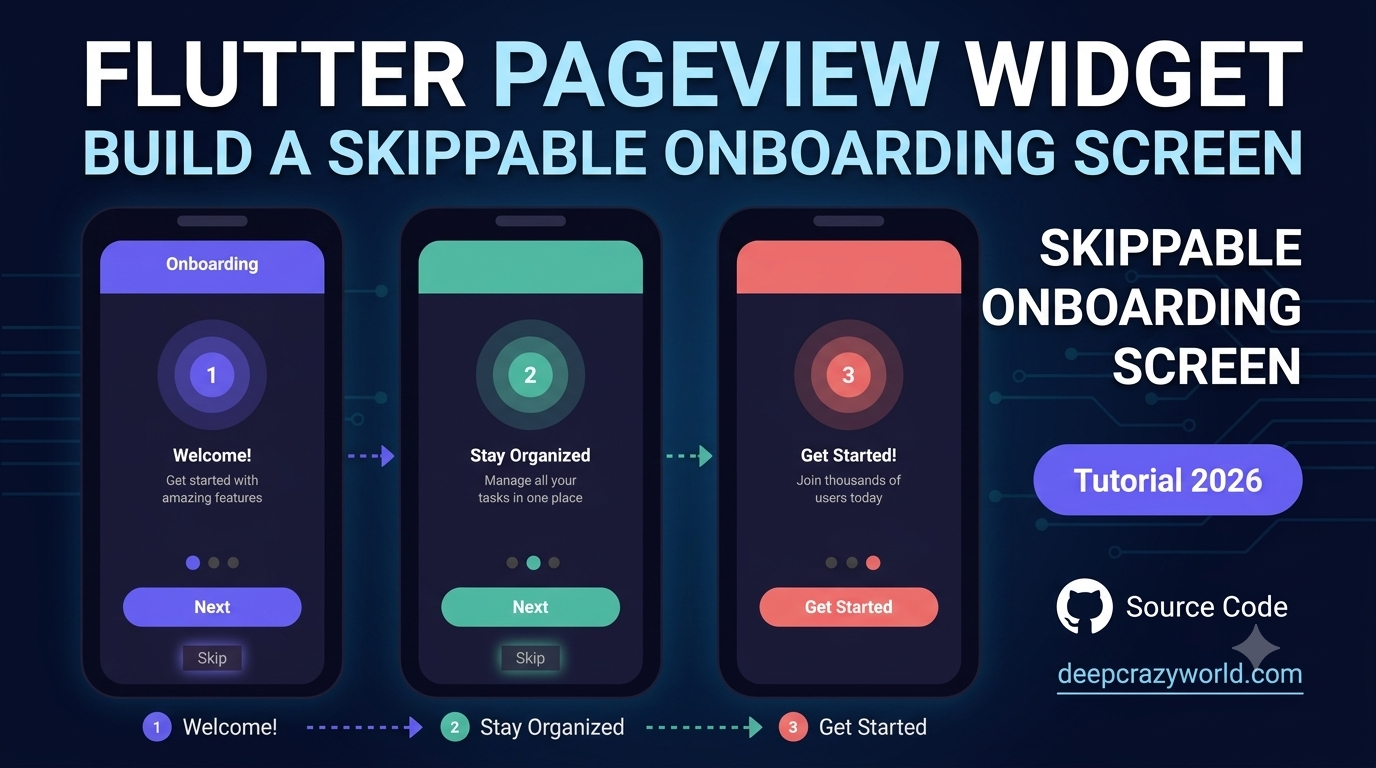
Learn how to use the Flutter PageView widget to build a skippable onboarding experience in 2026. Complete guide with full source code and step-by-step.
 FLUTTER
Discover the top 10 global companies using Flutter in their production apps in 2026, including Google, Alibaba, BMW, and more. See why big brands trust Flutter.
 FLUTTER
Planning to launch a Flutter app in China in 2026? Learn about Chinese app stores, payment integration with WeChat and Alipay, and compliance requirements.
 FLUTTER
Learn how to build a Flutter app for the US market in 2026. Complete guide covering UI standards, payment integration, App Store requirements, and compliance.
Latest videos — trending, honest, and actually useful.
The posts readers keep coming back to.
 FLUTTER UI
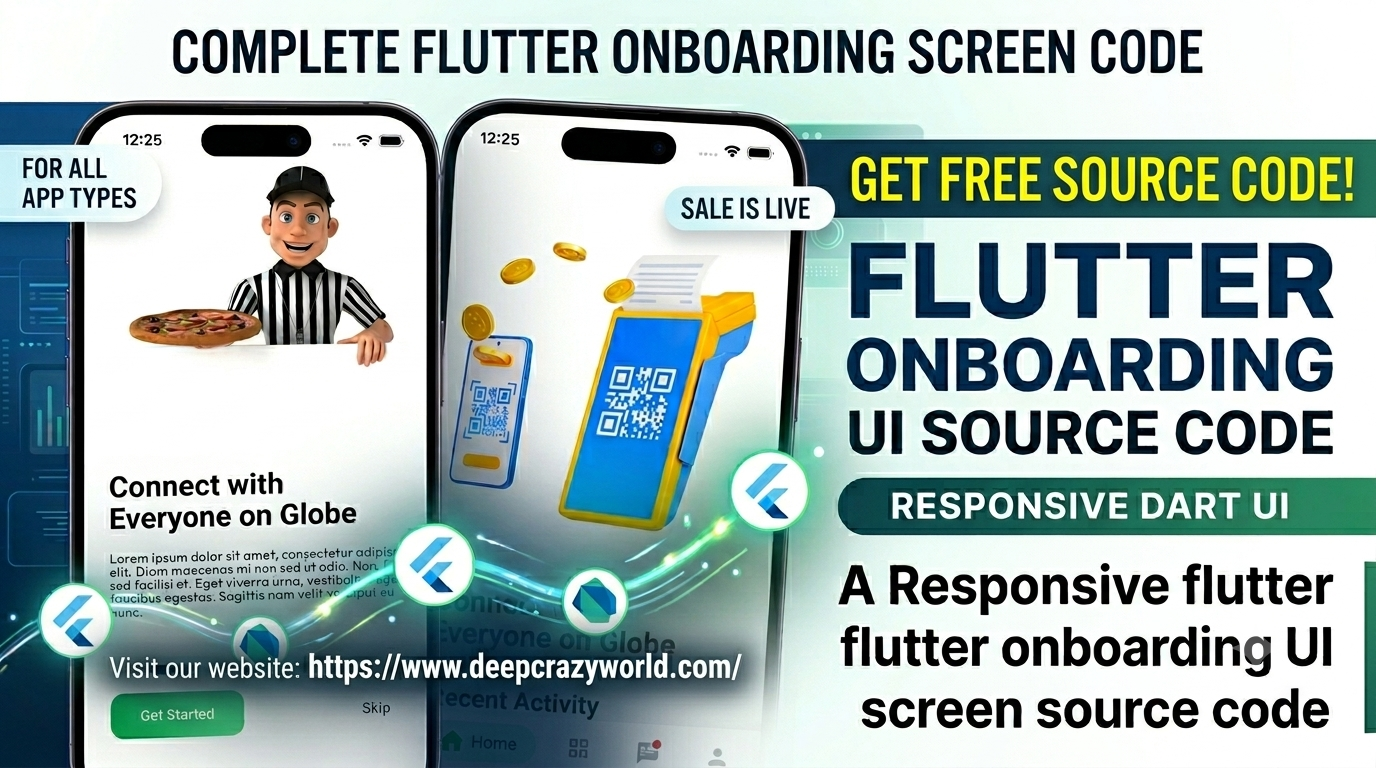
Build a responsive Flutter onboarding screen UI compatible with Flutter 3.13.0, null safety, and Dart 3. Free source code available on GitHub.
 Miscellaneous
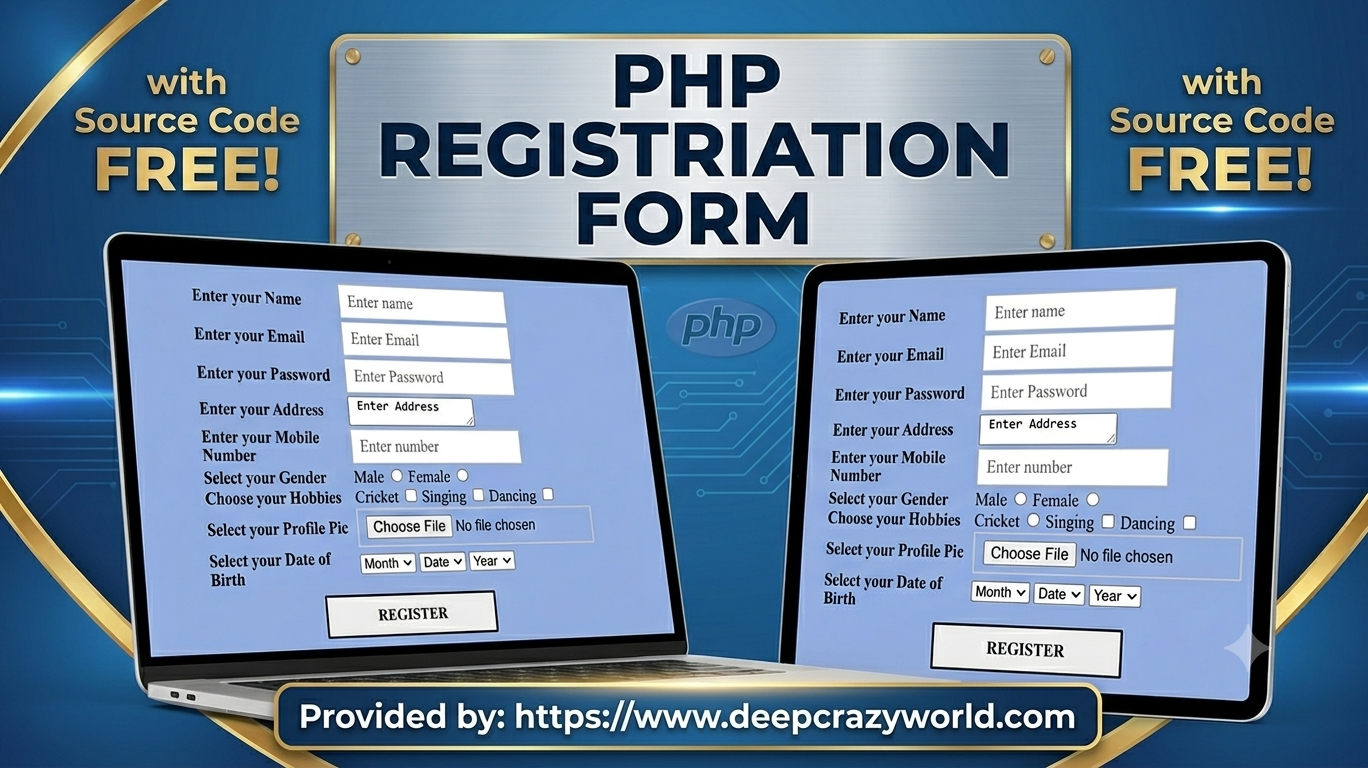
PHP Registration Form with Source Code (updated) - What do you mean by Registration Form?In PHP registration form is a list of fields in which a user...
 Miscellaneous
Get all correct YouTube Copyright School questions and answers for 2026. Pass your copyright quiz instantly and remove your copyright strike for good.
Hi, I'm Deepika Mourya! A passionate Mobile App Developer from Delhi, India, specializing in Flutter and native technologies for Android and iOS. I am the creator behind two platforms built to help developers learn, grow, and build amazing things.
DeepCrazyWorld is my blog where I share in-depth articles, tutorials, source code, and development guides covering Flutter, Android, iOS, PHP, SEO, and much more. Whether you are a beginner looking for your first project or an experienced developer searching for quick references and source code — DeepCrazyWorld has something for you.
The content course is in Hindi — that made all the difference. Already got 3000 new followers!
Finally a creator who doesn't sell dreams. Her ebook gave me an actual roadmap to follow.
Great quality templates and very responsive support team. Will definitely buy again from DeepCrazyWorld.
Video course mein practical examples diye gaye hain — bahut helpful for beginners like me!
Honestly one of the best digital product platforms I have used. Clean, simple, and effective.
Loved the Canva templates! Saved me hours of design work for my Instagram page.
Deepika ke videos genuinely motivating hain. Content creation ke baare mein clarity mil gayi.
Customer support replied within an hour and helped resolve my download issue instantly. Great service!
Quality content at affordable prices. The brand building ebook was exactly what I needed to get started.
Join thousands who get Deepika's weekly newsletter — tips, free resources, and first access to new products.