Animated OnBoarding screens - OnBoarding Animation provides page like animation to the onBoarding screens with the page indicator - Animated OnBoarding screens with the page indicator using flutter
OnBoarding Animation
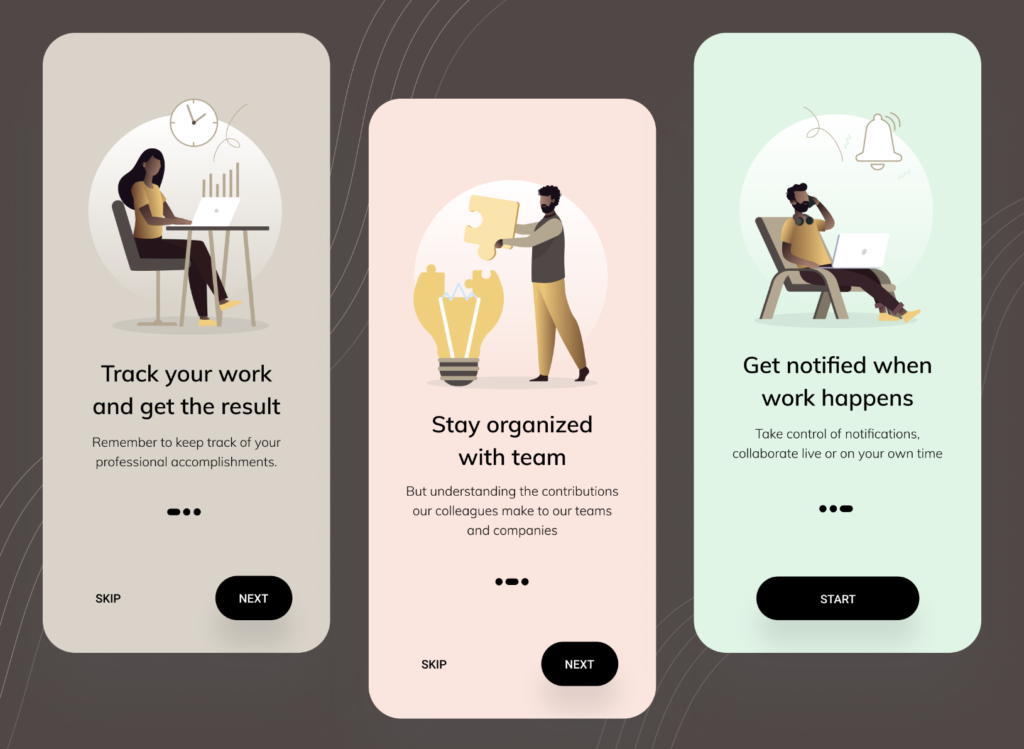
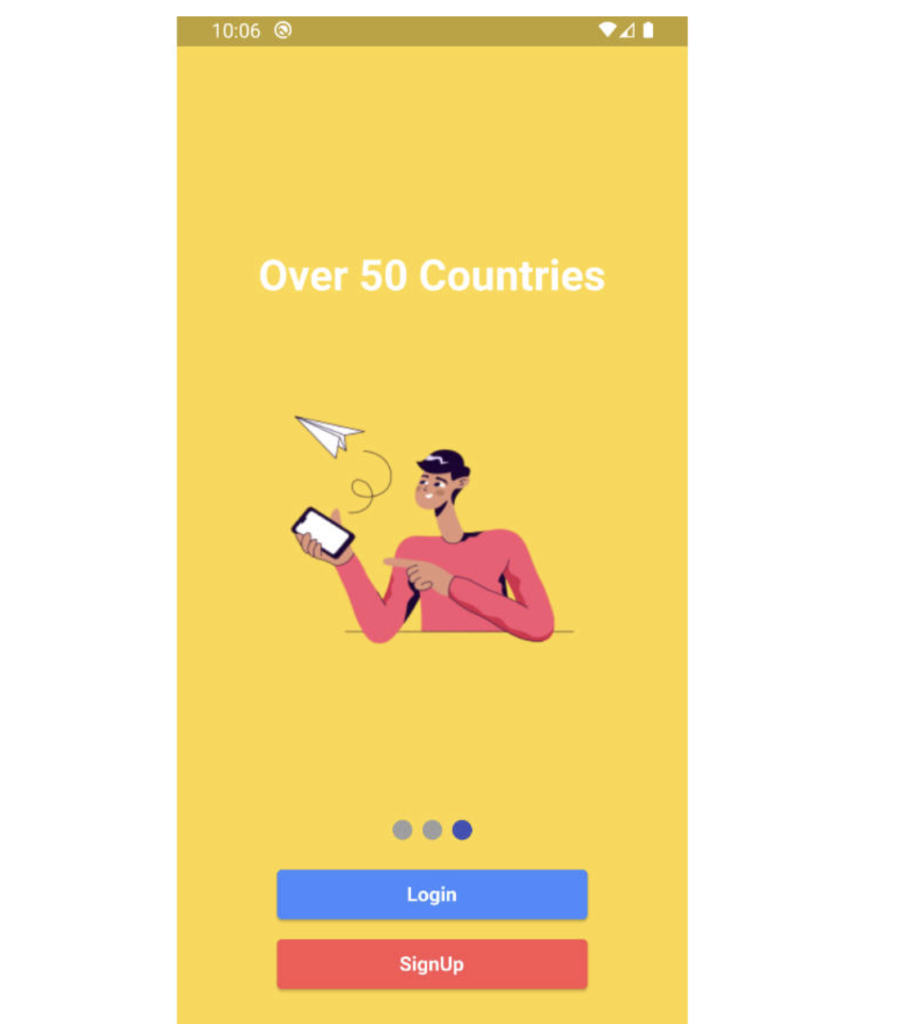
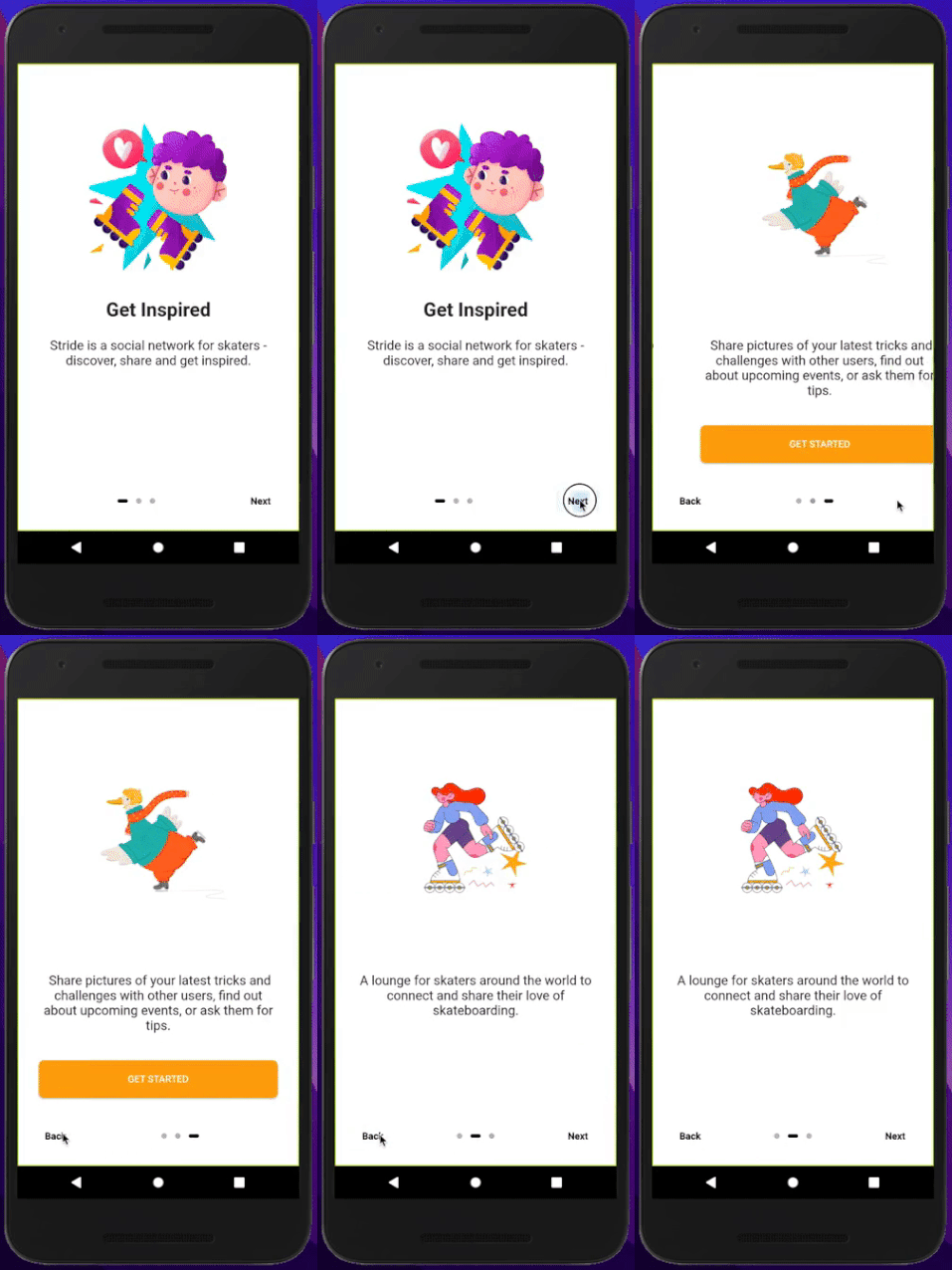
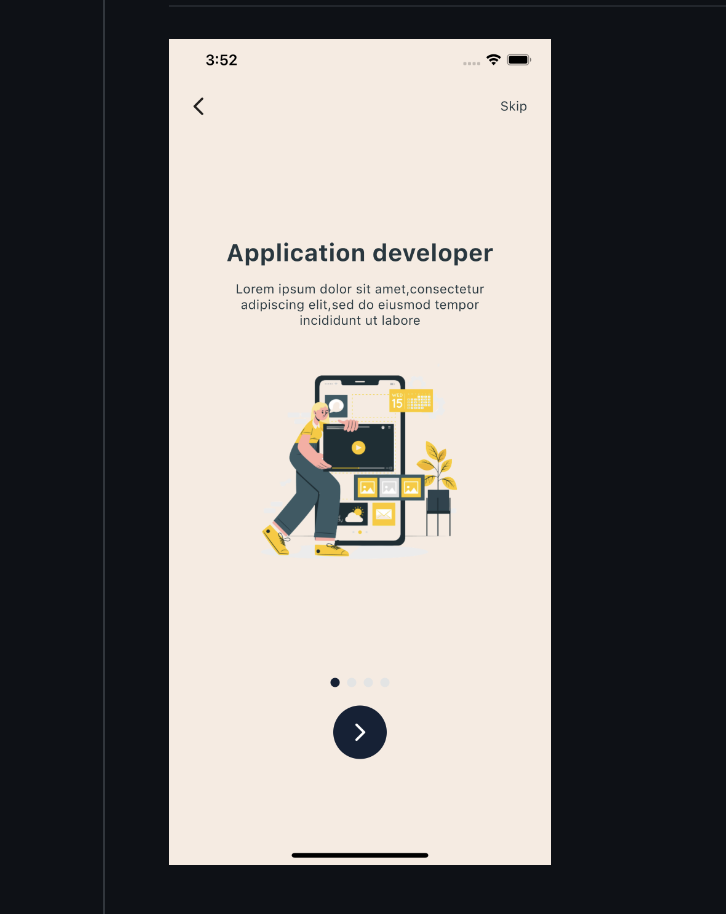
OnBoarding Animation provides page like animation to the onBoarding screens with the page indicator.
Screen recording
Usage
Installation
Add onboarding_animation: any to your pubspec.yaml dependencies. And import it:
import 'package:onboarding_animation/onboarding_animation.dart';
Example
OnBoardingAnimation(
          pages: [
           Container(),
           Container(),
           Container(),
          ],
          indicatorDotHeight: 7.0,
          indicatorDotWidth: 7.0,
          indicatorType: IndicatorType.expandingDots,
          indicatorPosition: IndicatorPosition.bottomCenter,
        ),
Screenshots
Parameters
Required Parameters
pages:
Optional Parameters
indicatorOffset:
indicatorDotWidth:
indicatorDotHeight:
indicatorDotSpacing:
indicatorDotRadius:
indicatorInActiveDotColor:
indicatorActiveDotColor:
indicatorStrokeWidth:
indicatorType:
indicatorPosition:
indicatorColorTransitionActiveStrokeWidth:
indicatorExpansionFactor:
indicatorJumpScale:
indicatorVerticalOffset:
indicatorPaintStyle:
indicatorWormType:
indicatorSwapType:
indicatorActivePaintStyle:
indicatorActiveStrokeWidth:
indicatorScale:
indicatorActiveDotScale:
indicatorMaxVisibleDots:
indicatorFixedCenter:
indicatorInActiveDotDecoration:
indicatorActiveDotDecoration:
indicatorActiveColorOverride:
indicatorInActiveColorOverride:
Guideline for contributors
Contribution towards our repository is always welcome, we request contributors to create a pull request to the development branch only.
Guideline to report an issue/feature request
It would be great for us if the reporter can share the below things to understand the root cause of the issue in Animated OnBoarding screens using flutter.
Library used
LICENSE!
OnBoarding Animation is MIT-licensed.
Let us know!
We’d be really happy if you send us links to your projects where you use our component. Just send an email to sales@mindinventory.com And do let us know if you have any questions or suggestion regarding our work.
Resources Used:
You can check out the entire code of this App here:
Get Full Source Code
Conclusion
This was all about a quick go through the basic flutter App UI Screen. If you need any assistance regarding flutter app development, you can consult a flutter developer from FlutterDesk. We would love to be of help. Still, if you feel any difficult while dealing with Flutter app development projects, you can reach out to us or hire Flutter developers to outsource any of your app development project.
Do like & share my Facebook page. if you find this post helpful. Thank you!!
Happy coding! 😉
Related Articles:
READ MORE